An alarm that gets through
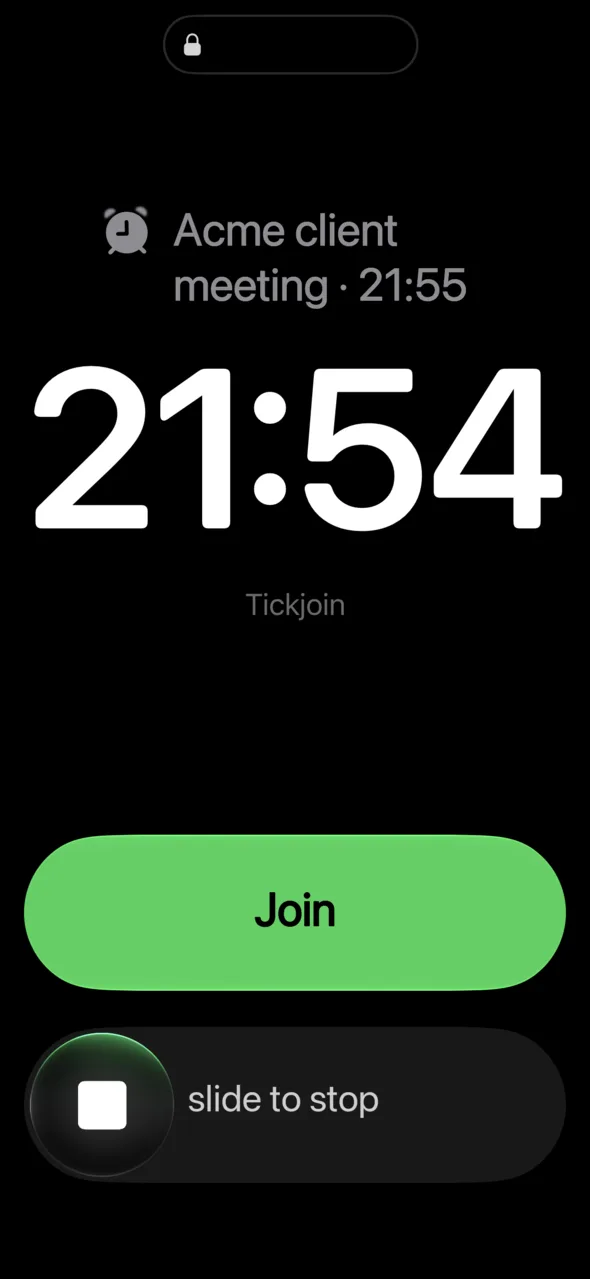
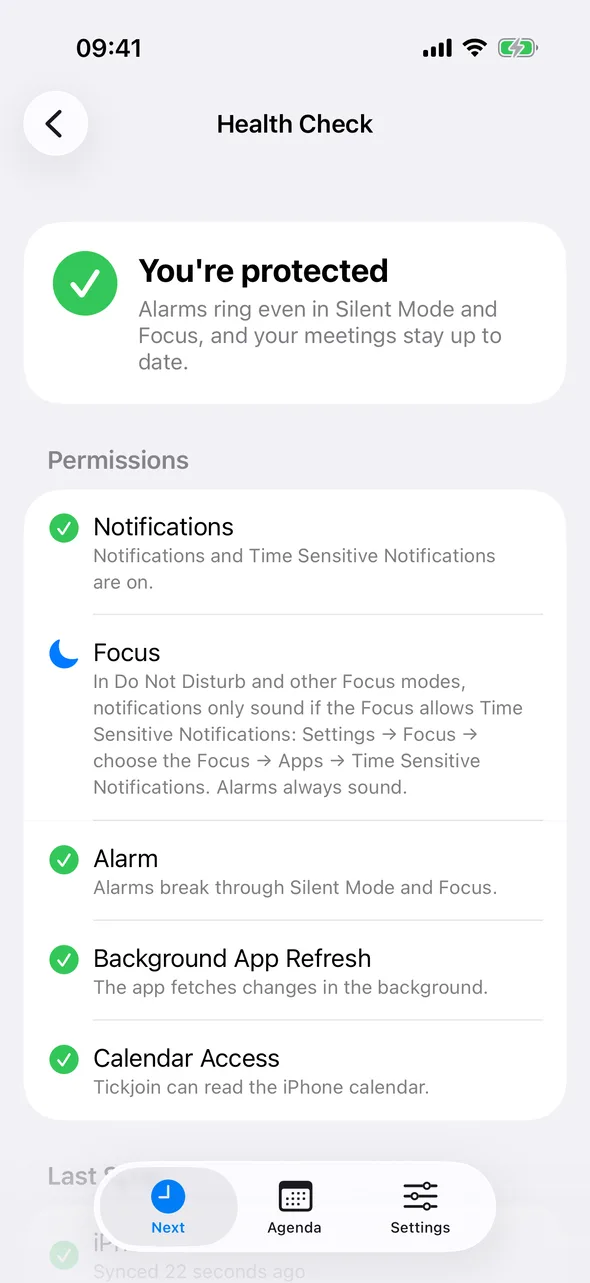
Notifications are easy to miss. Tickjoin rings a real alarm 1 minute before meetings with a link – even in Silent Mode and Focus.
 Tickjoin
 sounds an alarm right before your meeting – even in Silent Mode – and joins Teams, Zoom, Meet or Webex with one tap.
Works with Microsoft 365, Google Calendar and the calendars on your iPhone or Mac.
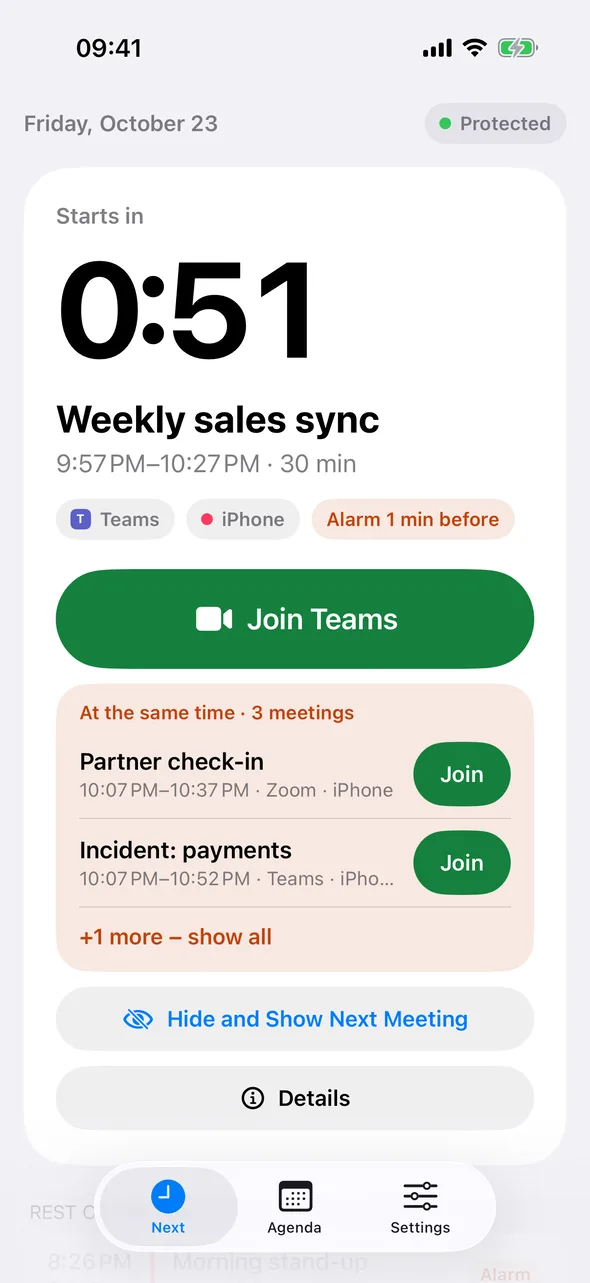
Notifications are easy to miss. Tickjoin rings a real alarm 1 minute before meetings with a link – even in Silent Mode and Focus.
The meeting link is found for you, in Teams, Zoom, Google Meet and Webex invites. Join from the app, the alarm, a widget or the Lock Screen.
Work and personal side by side: Microsoft 365 – including Intune-protected work accounts – Google Calendar and iCloud.
The same reminders and the same Join button on iPhone, Mac and Android. With Pro, iPhone and Mac stay in step through iCloud: stop the alarm on one and it goes quiet on the other.
The alarm breaks through Silent Mode, with widgets, Live Activity and Siri.
iOS 26 or later
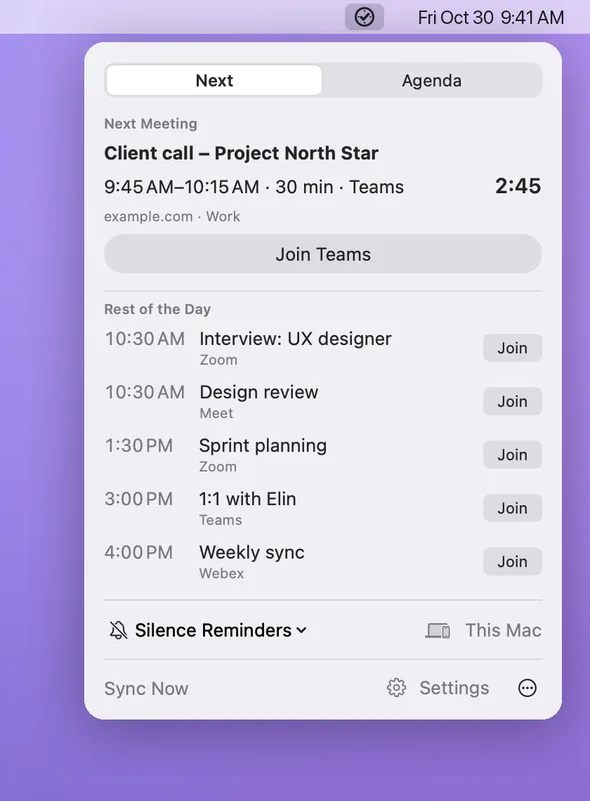
Your next meeting and Join in the menu bar, plus the rest of the day, Agenda and an alarm window before each meeting.
macOS 26 or later
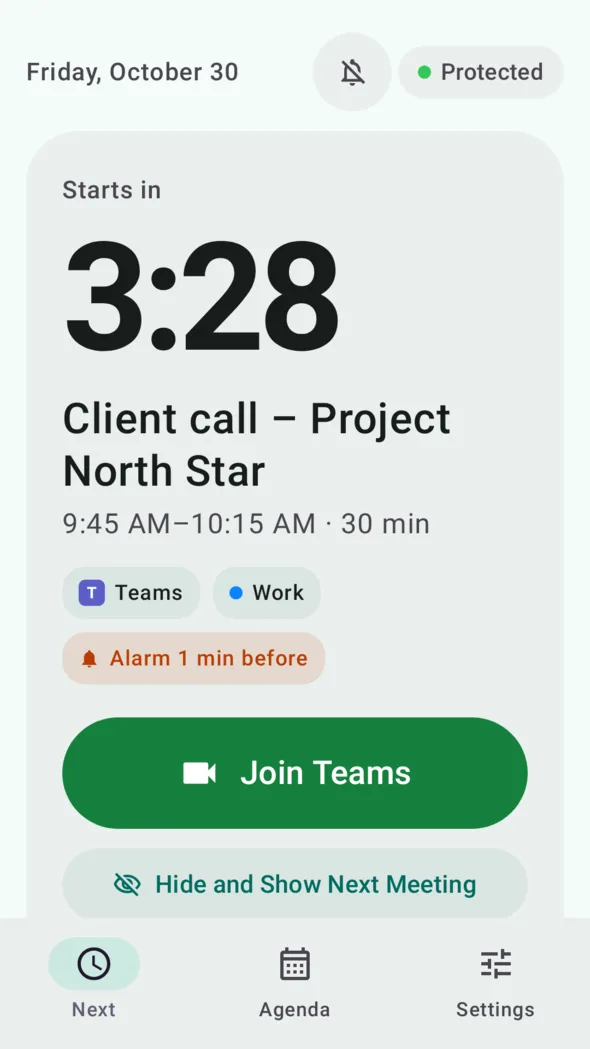
The alarm rings through Do Not Disturb, and Intune-protected work accounts are supported.
Android 10 or later
See what's next at a glance, spot overlaps before they happen and get reminded the way each meeting deserves.
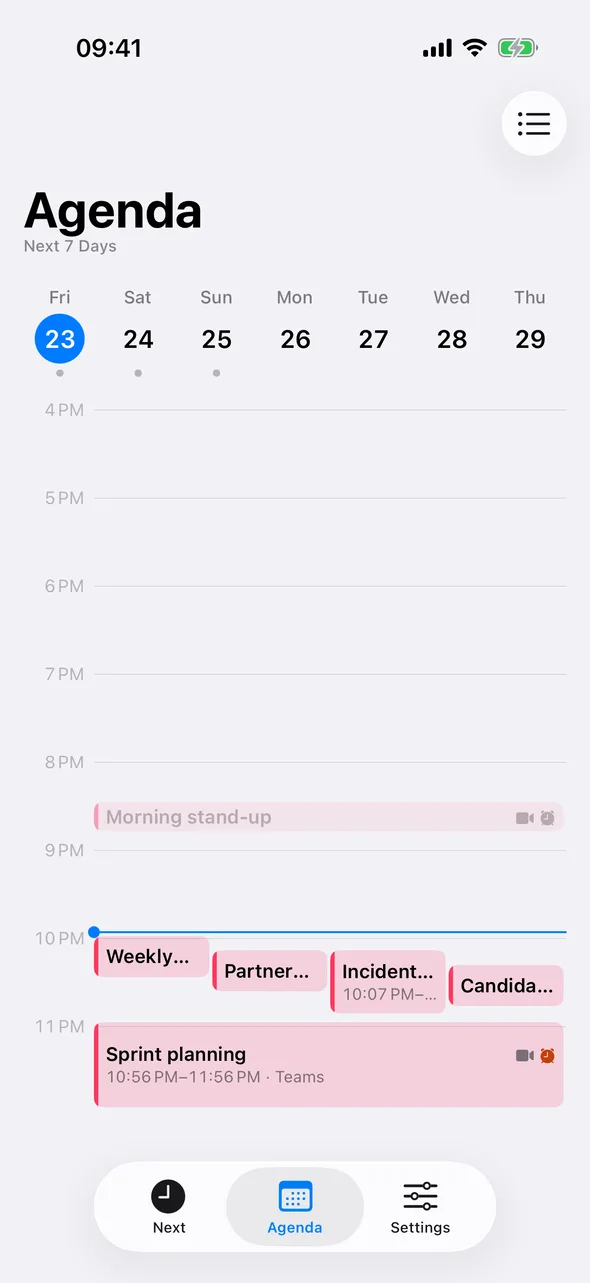
Double-booked? You see which meetings collide and can join either one.
Standard, Calm or Safe – choose how far ahead and whether you get a notification or an alarm.
Countdown and Join on the Home Screen, Lock Screen and in the Dynamic Island.
Tentative blocks and focus time? Hide them and see when the important meeting starts.
Pick an alarm sound, or let it start quiet and rise – for open offices.
"Join my next meeting" – from Siri, Shortcuts or a control in Control Center.
Tickjoin supports admin consent and Intune app protection. Everything your IT department needs is on one page.